AI Phone Agent for Dental Practices: Bookings and Urgent Calls While the Dentist Is in the Chair
26 October 2026 · 4 min read
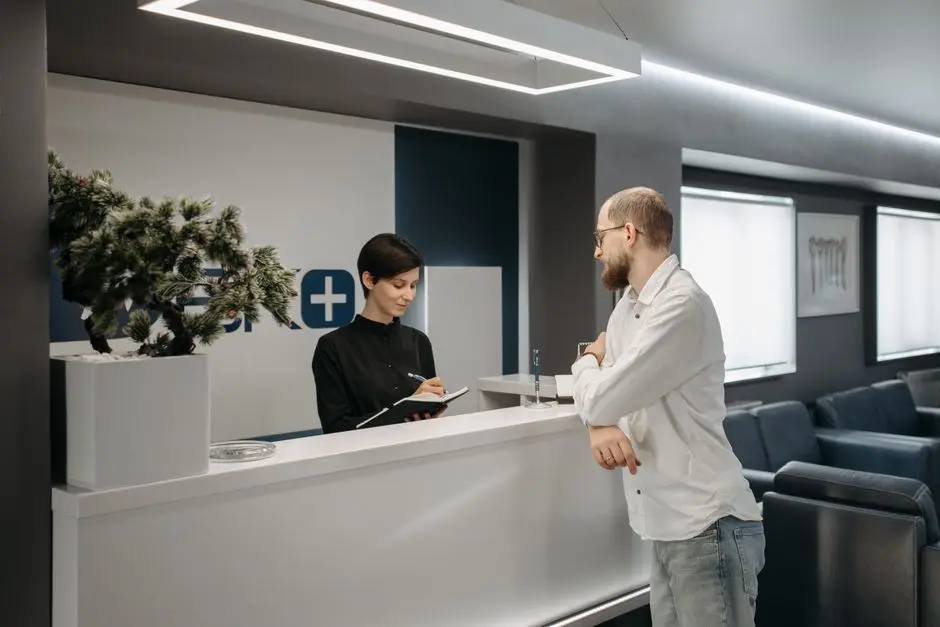
The dentist has gloves on and both hands in a patient's mouth. At the front desk, the assistant is checking out someone who has just finished treatment. The phone rings, and rings again. An AI phone agent for a dental practice exists for exactly that moment: it answers the call nobody can pick up, books the appointment and, when a person is needed, brings one onto the line. If you are looking for an AI phone agent for a medical practice that fits what a dentist actually does all day, this guide explains what it does and what it does not.
Why a dental practice loses calls differently
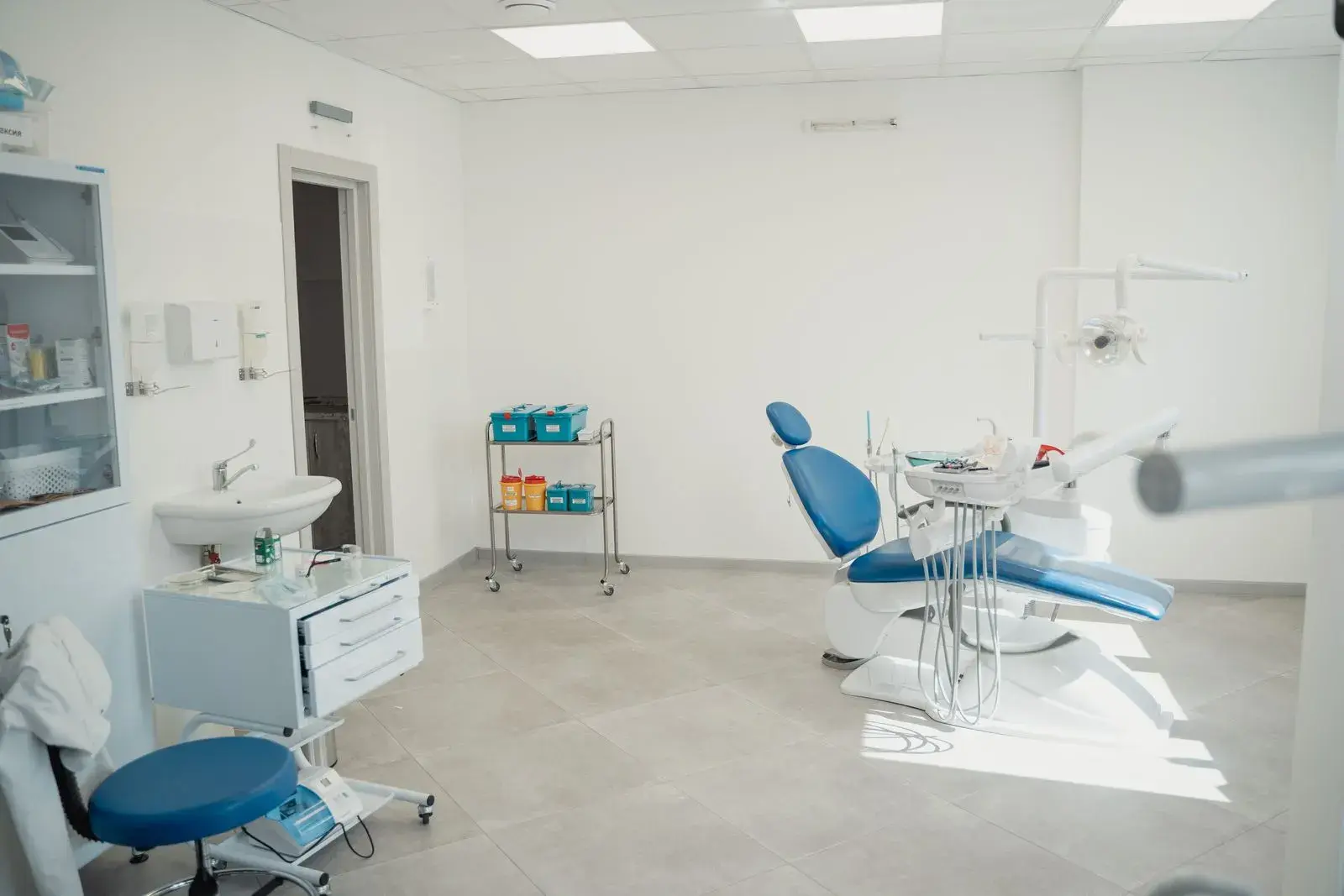
In a general practice, the front desk can often step into the next room and ask the doctor something. A dental practice is stricter. The dentist works with both hands inside a patient's mouth for long stretches, cannot be interrupted, and the assistant is often right beside them supporting the treatment. There is nobody free to answer the phone precisely when the practice is at its busiest.
The calls that get lost are not all the same. Some are a plain request for a cleaning or a check-up, which the patient will simply book somewhere else if nobody answers. Others are pain that started last night and needs an answer this morning. Both cost you, in different ways, and they need different handling.
The AI phone agent does not diagnose and does not give medical advice. You define which requests count as urgent and how they escalate. The agent applies your rules and passes the caller to a person.
How it works in practice, from the first call to the booking
The agent answers in natural Greek conversation, not with a "press 1" menu. It understands what the caller wants and moves things forward. For a dental practice, the flow looks like this:
- It answers immediately, even when the assistant is busy or the practice is closed, so the patient neither waits on hold nor ends up in voicemail.
- It books the appointment by checking availability in Google Calendar or in your own system, with no double entry.
- It sends a confirmation and a reminder by SMS or email, so the appointment is not forgotten, which cuts no-shows by 30-50%.
- It verifies the caller before any personal information is disclosed, for example when someone asks about an existing appointment or their history.
- It transfers to a person when needed, with a spoken summary of the call, so the patient does not have to repeat everything.
Appointment reminders matter more in a specialty where every treatment occupies the chair for a set amount of time. A gap in the schedule is hard to refill at the last minute, and a patient who simply forgot costs as much time as one who never intended to come.
The urgent case: what the agent handles and what it does not
This is where good design matters most. When a patient calls in pain, they do not want to talk to a system that does not know when to stop. The agent does not make medical decisions. Based on rules you set, it recognises that the request falls into the "urgent" category and escalates it.
Escalation happens as a handover to a person, not a blind transfer. The agent first briefs a member of your staff on what the caller needs, then connects them, so the conversation starts where it left off. In practice, the assistant or the dentist does not hear "who is this?" but "this gentleman has had pain since yesterday and wants to be seen." You define who receives escalations, by request type or availability.
Escalations are logged in the dashboard with their cause, so at the end of the day you can see which calls went to a person and why. The same dashboard helps you tune the rules over time if something escalates too often or too rarely.
Where a dental practice starts
You do not need to change your number or carrier: the platform connects to your existing telephony. A common way to begin is to hand it first the calls you lose today, meaning those outside opening hours and those that arrive while the assistant is busy. The front desk keeps control of the day and simply stops losing calls.
For the practice's own documents, such as opening hours, instructions before and after a treatment, or information about your services, the platform can answer patient questions strictly from the material you give it. It does not invent answers, and what your documents do not cover can be directed to a person.
On personal data, the platform supports encryption, automatic redaction of personal data, and a choice between cloud and on-premise deployment. The legal framework your practice operates under remains your responsibility, and it is worth reviewing with your legal adviser or data protection officer before you roll anything out.
See the AI phone agent in your own dental practice
Book a short demo with scenarios for appointments, cancellations and urgent calls.
Schedule a demoFrequently asked questions
Can it book into multiple doctors' calendars at once?
Yes. The platform checks all doctors' calendars simultaneously and suggests available slots — the caller chooses doctor and time through natural conversation.
What happens when a call needs a human?
When a case requiring a human is detected — e.g. an urgent situation or complex request — the call transfers with a spoken summary to the right staff member.
Is medical data safe with Voxia?
The platform supports encryption, automatic PII redaction, and verification before any disclosure. You choose cloud or on-premise deployment — on on-premise, data never leaves your organisation.
How quickly can we get started?
After a demo, activation takes a few days. The platform connects to your existing telephony with no change of number or carrier.